
Six Chrome extensions currently work as an AEO checker, a GEO checker, or both combined with SEO in one tool. This compares them on real, publicly checkable Chrome Web Store data: rating, user count, price, last-updated date and each developer’s own stated features, captured on 7 August 2026.
This article is published by AI Rank Inspector, one of the six tools compared below. Its own listing is reviewed using the same criteria and the same disclosure standard as every other tool on this list.
How Was This Comparison Researched?
Every figure in this article was pulled directly from each extension’s live Chrome Web Store listing on 7 August 2026: developer name, star rating, number of ratings, user count, price, version, last-updated date, and the developer’s own description and feature list.
This is listing-based research, not hands-on functional testing. Chrome doesn’t permit automated installation of third-party extensions from the Web Store, so no tool’s actual audit output was run or compared against another’s. What’s reported here is what each developer states publicly about their own product, not an independent verdict on how well each one actually performs. For what an AEO checker or a GEO checker typically evaluates once installed, what does an AEO checker actually measure and the GEO audit checklist cover that in depth.
Two things worth keeping in mind while reading the comparison: rating counts are small for every tool on this list (1 to 12 ratings each, except one at 3), so none of these star ratings should be read as statistically reliable, and user counts are a snapshot that will have changed by the time you’re reading this. This caveat matters most for the two lowest-sample ratings (AI Rank Inspector’s and GEO Checker’s, both from a single review) and is worth remembering throughout rather than restated at every tool below.
How Do the Six Extensions Compare?
| Extension | Developer | Rating | Users | Price | Last updated | Scope |
|---|---|---|---|---|---|---|
| AI Rank Inspector | AI Rank Inspector | 5.0 (1 rating) | 7 | Free | 7 Aug 2026 | Combined (SEO+AEO+GEO) |
| SAGE | manoz1994k | 4.7 (12 ratings) | 716 | Free + Pro IAP | 21 May 2026 | Combined (SEO+AEO+GEO) |
| SEO/AEO/GEO Checker | Hồ Khánh Diện | 3.0 (3 ratings) | 4,000 | Free | 26 Jun 2026 | Combined (SEO+AEO+GEO) |
| GEO/AEO Readiness Check | Carlos Christian Courtney | 4.0 (4 ratings) | 53 | Free | 5 Mar 2026 | AEO + GEO only |
| GEO Checker | Trustdom Oy | 5.0 (1 rating) | 142 | Free | 5 Feb 2026 | GEO only |
| AEO Analyzer | psp.medeti@gmail.com | 1.0 (1 rating) | 14 | Free | 17 Feb 2026 | AEO only |
Which Chrome Extensions Made This Comparison?
AI Rank Inspector
AI Rank Inspector audits 60 page-level signals across four categories: Technical SEO, Content and Relevance, AEO Readiness, and GEO and Trust, each check marked Passed, Review or Failed with recommendations. Standard audits run locally in Chrome; an optional emailed PDF report is the only feature that sends data (email address, audited URL, topic and findings) to a server, and this is disclosed on the listing itself.
Worth stating plainly: this is the newest and smallest-by-user-count tool on this list, 7 users and 1 rating, because it launched on 7 August 2026, the same day this research was captured. That’s the honest explanation for the low numbers, not a reflection of what it checks. Two things stand out as genuine, checkable differentiators: its four categories map directly onto SEO, AEO and GEO in one pass, and it’s the most recently updated tool in the table above, several weeks ahead of the next most recent (PPCBlogPro’s checker) and several months ahead of the bottom three. This isn’t a unique structure. SAGE’s own four-tab dashboard (SEO, GEO, AEO, “AI View”) organises results similarly, and is worth comparing directly rather than treating either as the only option. AI Rank Inspector’s Chrome Web Store listing also carries an explicit disclaimer that scores don’t guarantee rankings, AI Overview inclusion, traffic growth or citations, stated in the developer’s own words rather than added defensively after the fact.
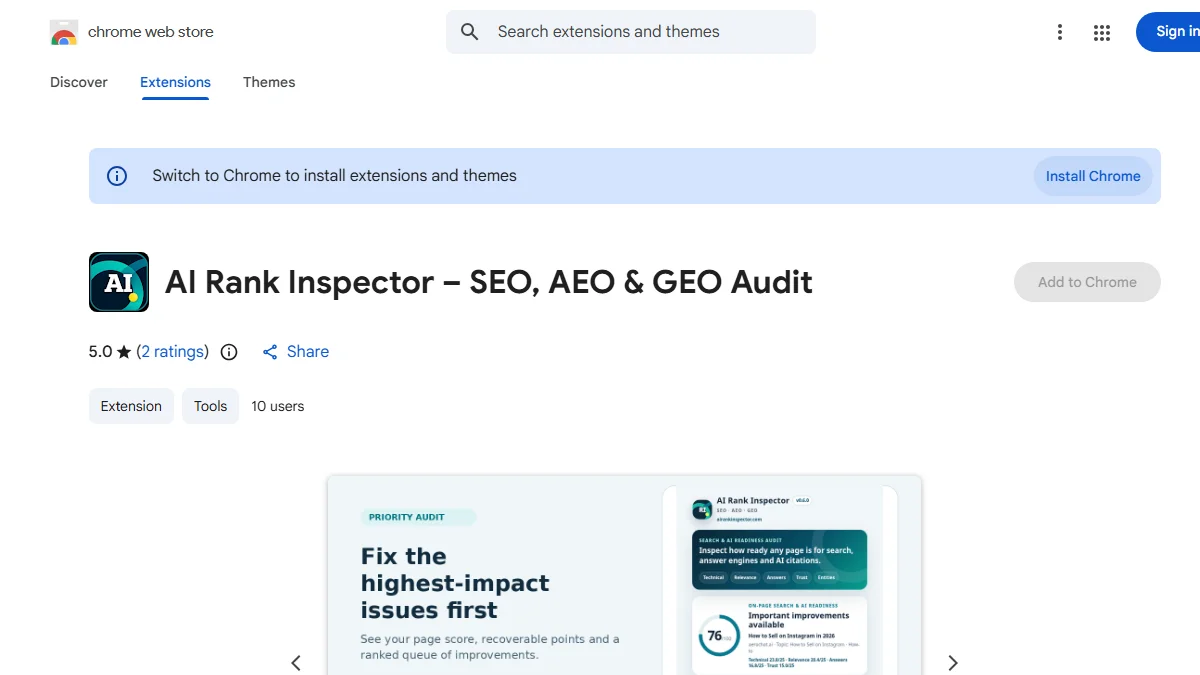
Every figure quoted above is directly visible on the tool’s actual public listing, shown here as it appears at the time of writing.
Best for: someone who wants one tool checking all three disciplines together, organised into distinct scored categories rather than one blended number.
Limitation: very new, with almost no review history yet to judge real-world reliability against.
SAGE – AI SEO, AEO & GEO Engine
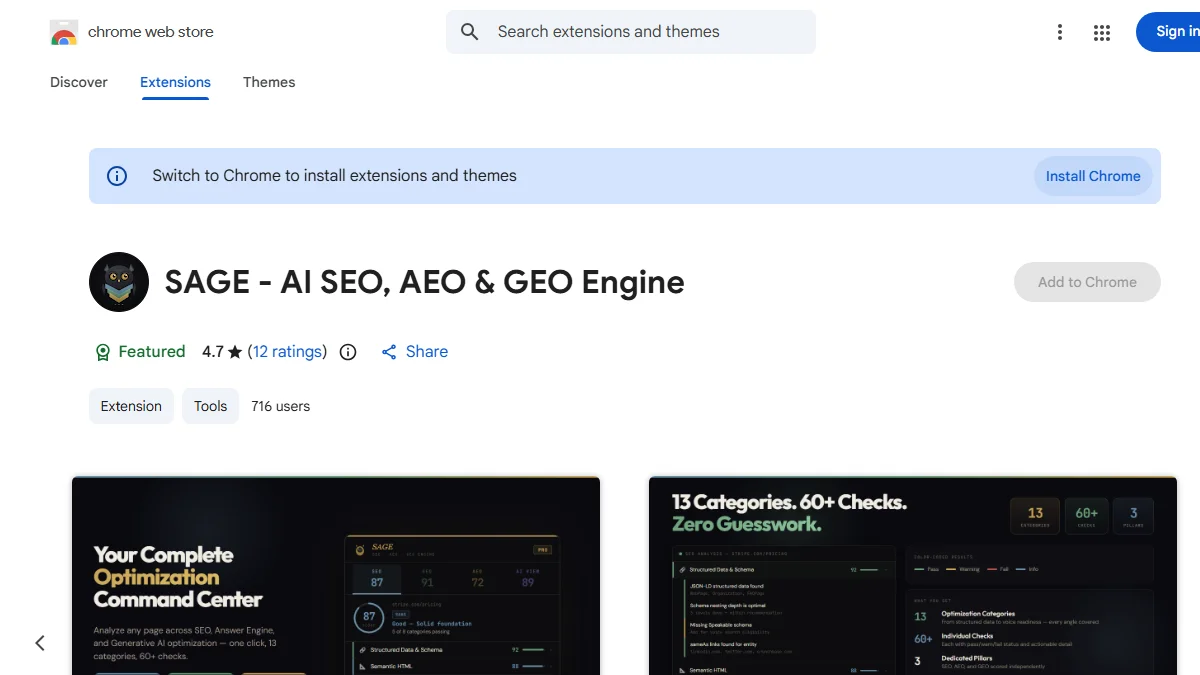
SAGE runs 200+ checks across 15 categories entirely locally in the browser, with a four-tab dashboard splitting results into SEO, GEO, AEO and “AI View.” Its feature list is the deepest of the six: Open Graph and Twitter Card validation, keyword-stuffing detection, Flesch-Kincaid readability grading, a schema generator, a SERP overlay, and export to five different formats including PDF and Markdown.
The free tier includes 25 full scans with every feature unlocked; a Pro tier removes the scan limit via a licence key. At 4.7 stars across 12 ratings, this is the largest rating sample on the list, and it also supports 9 languages, the only tool here with stated multi-language support.
Best for: someone who wants the most granular checklist and is comfortable with a metered free tier.
Limitation: the free tier’s 25-scan cap means regular use on more than a handful of pages eventually requires the paid tier.
SEO / AEO / GEO Checker by PPCBlogPro
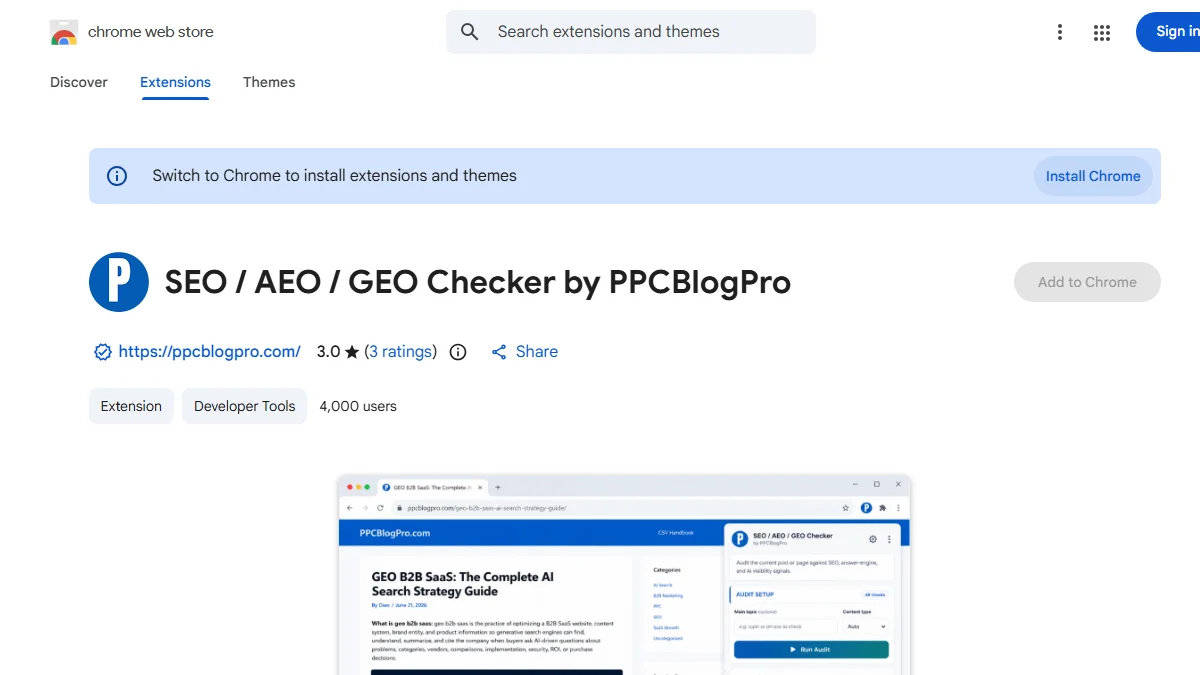
This tool covers standard on-page SEO (titles, meta descriptions, heading structure, alt text, link signals) alongside AEO and GEO readiness checks, aimed at auditing a post before publishing. Reports export as JSON or CSV, and the listing states scores don’t guarantee rankings, citations or traffic.
At 4,000 users, this is by far the largest install base of the six, but its 3.0-star rating from 3 reviews is also the lowest average of any combined-discipline tool here. A large install count and a modest rating aren’t necessarily in conflict (many free tools accumulate installs faster than reviews), but it’s worth weighing both figures together rather than either alone.
Best for: someone who wants a lightweight, exportable audit and isn’t relying heavily on the star rating as a quality signal.
Limitation: the lowest rating-to-review-count combination among the combined-discipline tools on this list.
GEO/AEO Readiness Check
This tool skips SEO entirely and focuses on AEO and GEO, scored across six pillars: answer directness, AI comprehension, citation readiness, authority signals, semantic clarity, and format optimisation, presented as a 0-100 score with a visual radar chart and a prioritised “Kill List” of fixes.
Additional checks include an E-E-A-T analysis across 13 signals, an llms.txt checker, and detection of whether AI-specific crawlers are being blocked, going deeper on a few individual checks than some of the combined tools do.
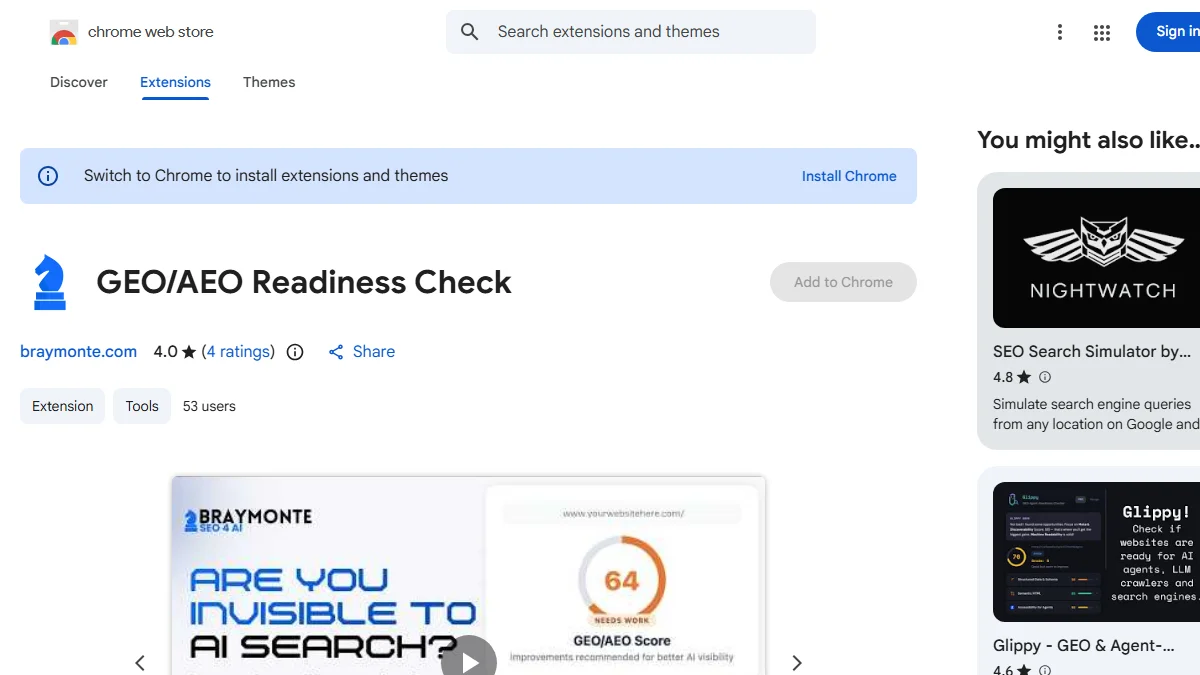
Best for: someone who has SEO fundamentals already covered elsewhere and wants a more detailed AEO/GEO-only audit.
Limitation: no SEO coverage at all, so it needs pairing with a separate tool for discoverability checks.
GEO Checker
A narrowly scoped tool checking one thing: whether a page’s HTML is crawlable and its structured data supports being found by generative AI systems. The listing’s own framing is direct: “Stop being invisible to ChatGPT, Perplexity, and AI Overviews.”
At 142 users, it has a genuinely larger user base than half the tools on this list, though its 5.0 rating comes from a single review.
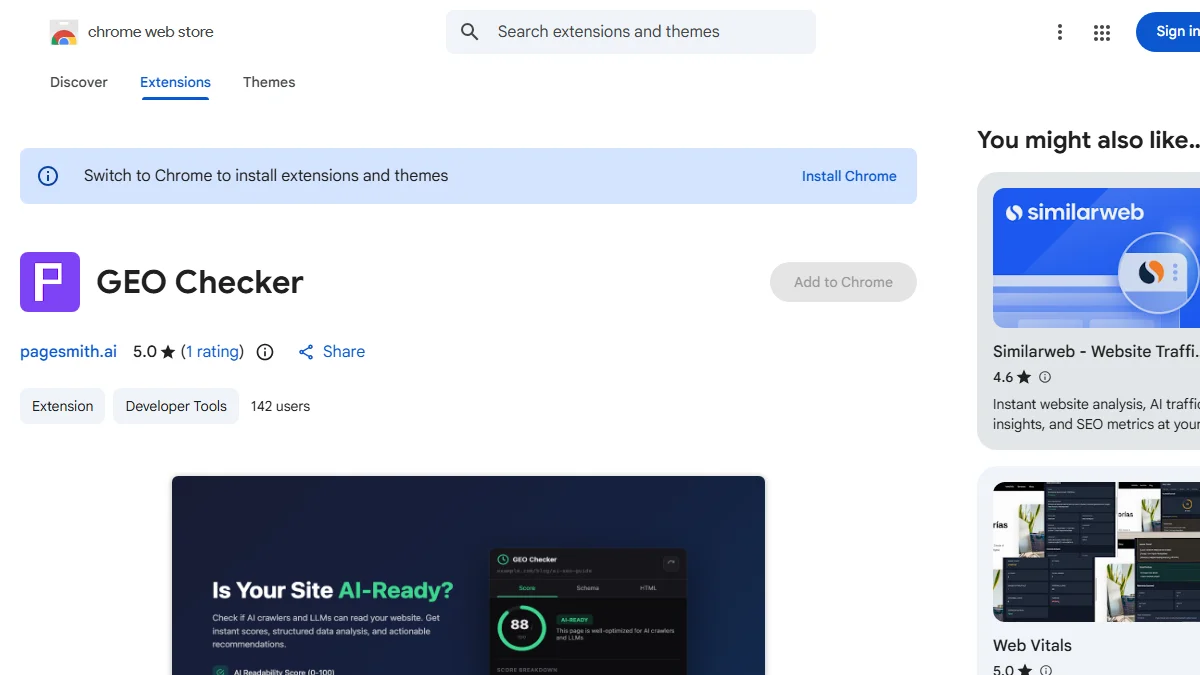
Best for: someone who specifically wants a fast, single-purpose crawlability and structured-data check, not a broader audit.
Limitation: doesn’t touch AEO (answer clarity) or general SEO at all.
AEO Analyzer
This tool checks AEO signals specifically: whether a page has question-based sections (What, Why, How, When, Who), answer length, and definition clarity, distinguishing informational content from MCQ-style pages. It works entirely offline with no data collection.
Its 1.0-star rating comes from a single review, which makes it impossible to say whether that reflects a genuine, widespread problem or one reviewer’s specific experience. Reported factually here rather than smoothed over, since it’s the one figure on this list most likely to change a reader’s decision.
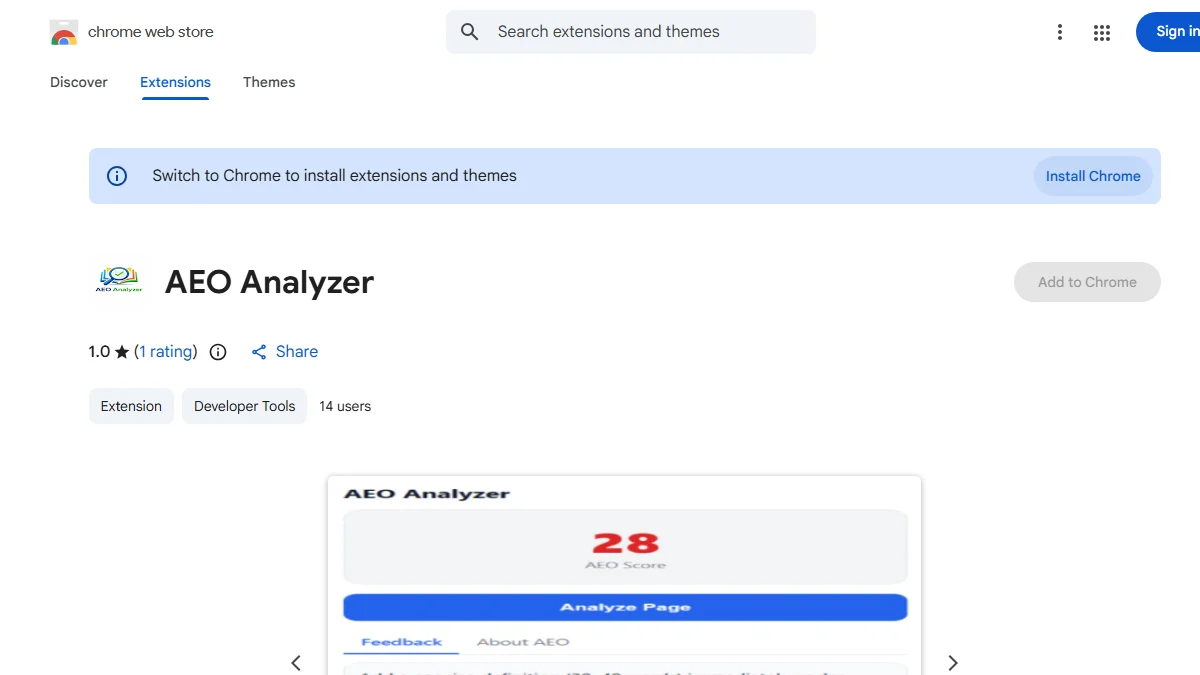
Best for: someone who wants a narrow, offline AEO-only check and is comfortable weighing a thin review history themselves.
Limitation: the lowest rating of any tool on this list, from too small a sample to draw a firm conclusion either way.
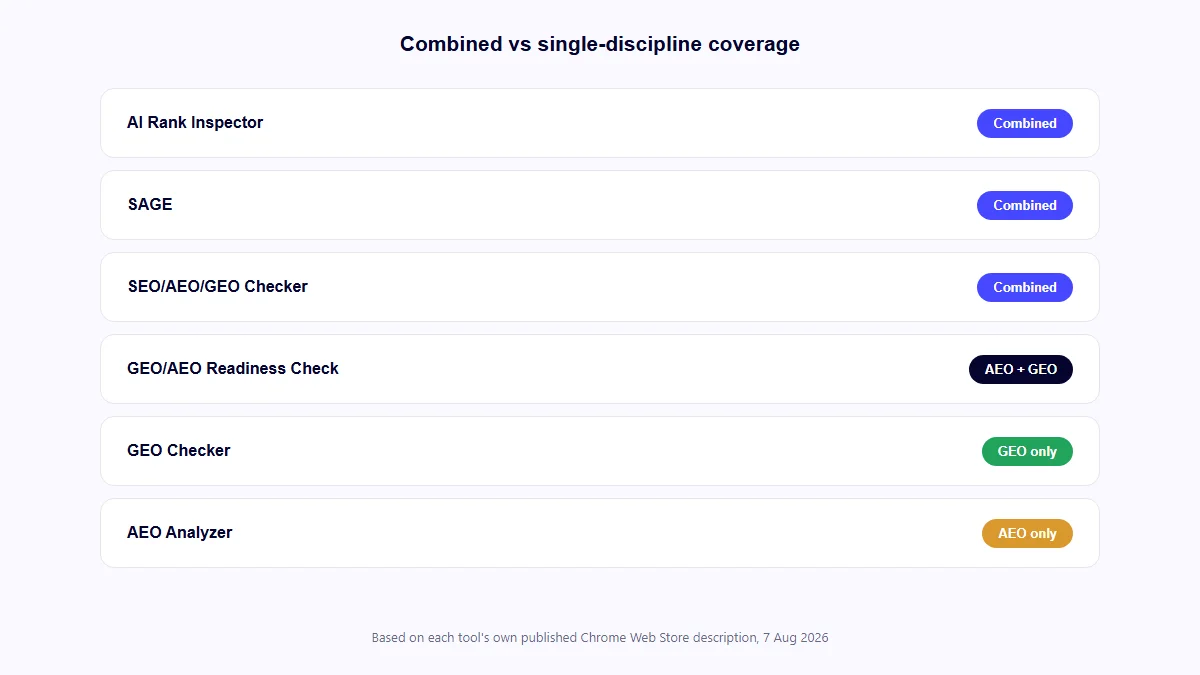
Combined vs Single-Discipline: Which Type Do You Need
If you want one tool checking everything in one pass, a combined extension (AI Rank Inspector, SAGE, or PPCBlogPro’s checker) fits better, since you’re not switching between tools or reconciling three separate results for the same page.
If you already have SEO covered through another workflow (a dedicated SEO plugin or a separate technical audit) and specifically want deeper AEO or GEO checks, a single-discipline tool (GEO/AEO Readiness Check, GEO Checker, or AEO Analyzer) can go further on that narrower scope than a combined tool splitting its attention three ways.
Running both isn’t unreasonable either: a combined tool for the regular pass, and a single-discipline tool when a specific page needs closer attention on just one area.
What Should You Check Before Installing an SEO, AEO or GEO Extension?
The last-updated date. AI search platforms change, and a tool built on an older understanding of how they behave is checking against a picture that may no longer be accurate.
What data it actually collects. Every tool on this list discloses its data handling somewhere in the listing; read it before installing, particularly if a tool sends any data off-device.
Whether the rating is based on enough reviews to mean anything. A 5.0 from one review and a 4.7 from twelve reviews aren’t equally trustworthy signals, even though the first number looks higher.
Whether it actually covers what you need. Three of the six tools here are single-discipline. Installing one expecting full SEO coverage, or a combined tool expecting the depth of a specialised one, leads to the same disappointment either way. If you’re specifically deciding between a one-off audit tool and something that tracks results over time, AEO checker versus AI visibility tracker covers that separate distinction.
What Mistakes Do People Make When Choosing One?
Picking by star rating alone. As covered above, a high rating from one or two reviews is a weak signal on its own.
Assuming a larger install base means a more accurate tool. Install count reflects reach and time on the market, not necessarily audit quality; a newly launched, genuinely thorough tool will always show fewer installs than an older, simpler one.
Installing a single-discipline tool expecting broader coverage, or the reverse. Check the scope column in the comparison table above before installing, not after.
Never re-checking after a few months. A tool that was well-maintained at install time can go stale. The same last-updated check worth doing before installing is worth repeating periodically.
FAQs
Do any of these extensions work on non-English pages?
SAGE explicitly supports 9 languages, the only tool on this list stating multi-language support. The others describe their checks in English without specifying language coverage one way or the other, which is worth confirming directly before relying on one for a non-English site.
What happens to locally-processed data if I uninstall the extension?
None of the six listings address this directly. For tools that state their analysis runs entirely in-browser rather than on a server, there’s no separate account or stored data to delete beyond the extension itself; for AI Rank Inspector’s optional PDF report feature specifically, deletion requests are handled as described in its own privacy policy, not something this comparison can speak to for the other tools.
Can I run more than one of these at the same time?
Yes, Chrome extensions generally don’t conflict with each other just by being installed together, though running several audit overlays on the same page at once can get visually cluttered.
Does a free tier mean the audit results are less complete?
It varies by tool. SAGE’s free tier includes every feature but limits scan count; others listed here are fully free with no stated limitation. Check each tool’s specific pricing details rather than assuming “free” means “limited” across the board.
Does a locally-run tool mean my data is more private than one that sends data to a server?
Generally yes for the analysis itself, several tools on this list state their core checks run entirely in-browser. But check each tool’s specific disclosure, since features like PDF export or account sync can still involve data leaving the device even if the main audit doesn’t.
Is there a real cost difference between the free tools on this list?
Five of the six are entirely free with no stated usage limit. SAGE is the exception: free covers 25 full scans with every feature unlocked, after which its Pro tier requires a licence key. If ongoing, frequent use matters more than occasional checks, that scan cap is worth weighing against SAGE’s otherwise deeper feature set.
Does a tool’s version number tell you anything useful?
Mostly that it’s had at least one update cycle since its first release; AI Rank Inspector’s 0.8.5 and SAGE’s 2.2.4 both suggest active, iterative development, though the number itself doesn’t indicate feature maturity on its own. The last-updated date is the more reliable signal of the two.
Final Practical Takeaway
None of these six tools is objectively “best” across every use case; they cover genuinely different scopes, from narrow single-discipline checks to combined four-category audits. The right one depends on whether you want one tool doing everything or a specialised tool going deeper on one discipline you already know you need, and it’s worth rechecking this comparison periodically, since ratings, versions and user counts on a fast-moving category like this will look different in a few months.